


Beginner's Guide

BEGINNER'S GUIDE TO CELESTIAL ORACLE
Hello adventurer, welcome to the lands of Celestial Oracle, an Impressive Title server. If you're new or need to brush up on the basics, this guide will walk you through how to play the game!
Game Settings
Press ESC to access settings. From here, you'll see 'Settings" and "Interface" both of these contain settings you can adjust.
Under settings, you'll find your basics:
Game Volume
Shadows On/Off
HDR On/Off
SSAO: On/Off
Grass Technique: Sprites/Crossquads
View Distance: How far you can see
Critter Markers: On/Off
Render Shards: Turns On/Off player shards
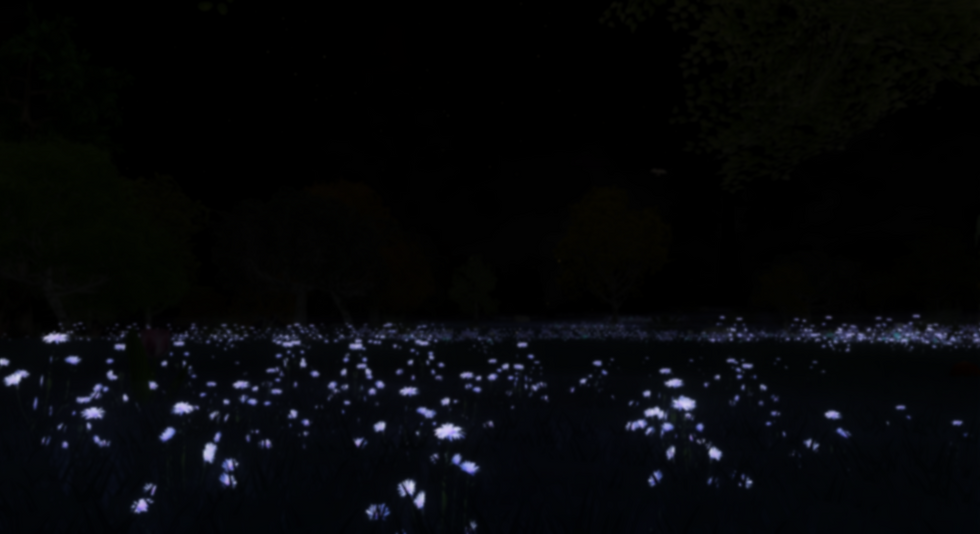
Grass Density: How much grass will be viewable

.

Under Interface, you'll find some extra settings:
Use Alternative Controls: On/Off
CO has different controls than most IT games. If you prefer the classic keybinds you can turn it off.
Sensitivity: How sensitive your mouse is
General Name Display: Username/Charname
Local Name Display: Username/Charname
Channel Button Blink: On/Off
Run Mode: Absolute/Relative
Absolute is more snappy to the direction you want to face, and Relative offers free rotation.
Double Jump: On/Off
Auto LipSync: On/Off
Character will lip-sync to messages you send in chat.
Use Windows Cursor: On/Off
Controls and Keybinds
ESC = Settings
W, A, S, D = Move Around
C = Toggle flight
R/Page Up = Rise (going up while flying/swimming)
F/Page Down = Fall (going down while flying/swimming)
E = Attack stance(run faster, enter attack stance)
G = Auto target when near a critter
F1, F2, F3, F4, F5 = All change camera view
F1 No Mouse, click to attack and use abilities
F2 is the default; use the mouse to click things, hold and scroll the mouse wheel to zoom the camera in and out.
F3 Freecam
F4 First person, Use - and + to speed up/slow down camera
F5 Keyboard only
F9, F10, F11, F12 = Keybound Facial Emotes
Print Screen = Takes an in-game screenshot
Q = Opens quest menu
T = Auto Run
Z, or Z then X = Sit, Lay, Side Lay, Body Emotes
V = Clicked multiple times does Curl Emote
B = Character bio and stats info
N = Online Players and Friends list
M = Toggles map
L = Toggles FPS and info
J = opens emotes menu
H = home menu, can also change dimensions
P = Opens party menu
O = Opens backpack, shows Currency and Taming food
I = Opens your Items, Stash, and Pets
Tab = Hides usernames and HUD
Right CTRL = Switch between absolute and relative run styles
Left CTRL = Crouch
Shift = Hold to walk
CAPS = Toggle run/walk
ALT = Lock/Unlock Character Facing
2 = Cycle through abilities, 1 to reset it, 3 to go back
You can type /? in the chat box to see all the commands available to you.
Character Creation
Once you login you'll be met with the character screen where you can look through your existing characters, arrange them, and create new ones.
Click New to get started on making a character!
These steps don't have to be in order, create your character however you'd like.
Be sure to save as you work on your character, it is possible for the game to crash unexpectedly and lose all your progress.

You can cycle through all the available Body parts and choose what you like.
Once you've done that, you can move onto markings. The Main Markings and Other Markings tabs are where you'll find them. You can have up to three markings on each body part.

Once you've chosen your markings, you can start coloring.
The arrows will cycle through every colorable piece. Click and drag the bars to choose colors. There is a Copy/Paste button to copy and paste colors to other parts.

When you're done customizing, you can click on Health or Attack, this will boost one or the other stat for this character.
You can also choose the scale of the character; how big or small you want them to be. Don't forget to give them a name!
Once you're done, click Save and you're good to go!

You can always go back and edit your character whenever you'd like!
Home and Dimensions
Pressing H opens your home menu.
By default, Home is set to the "Home" map, you can set your home wherever you'd like.
Set Home: Saves the player's current map, position, and Dim.
Go Home: Goes to your set home.
Reset Home: Resets your home back to the "Home" map.
Dimensions are entirely separate instances of the same map. When a player is not in a Dim, the map resets, the enemies and items in it will despawn.
If you are in Dim 0 and someone else is in Dim 3, you will not see each other.
Switching Dims is a great way to reset spawns in a map, most commonly used for hunting specific creatures. It's quicker to hop Dims constantly than to sit in a map for an hour waiting for that specific thing to spawn, as maps do have a spawn cap.

Talking to NPCs
You'll find many characters on your journey through the lands. These NPCs will give you quests.
To interact with them, simply click and hold on them and hit "Talk" If you meet the requirements, they will give you dialogue that will lead to a quest.


Attacking Critters
In this game, you'll attack critters for EXP, Taming Food, Quests, Skills, and Items. Clicking and holding on a critter, then hitting attack, will start combat with it. You each have a health bar, keep an eye on your own because you can die in this game!
When you die, your health bar will turn grey to signify you've died. To heal yourself, sit or lie down, and you'll slowly start to heal. You can lay in water to heal faster. Once the grey is depleted, you'll have a sliver of health back, from there, you can use Cures or Restores to heal back to full health.
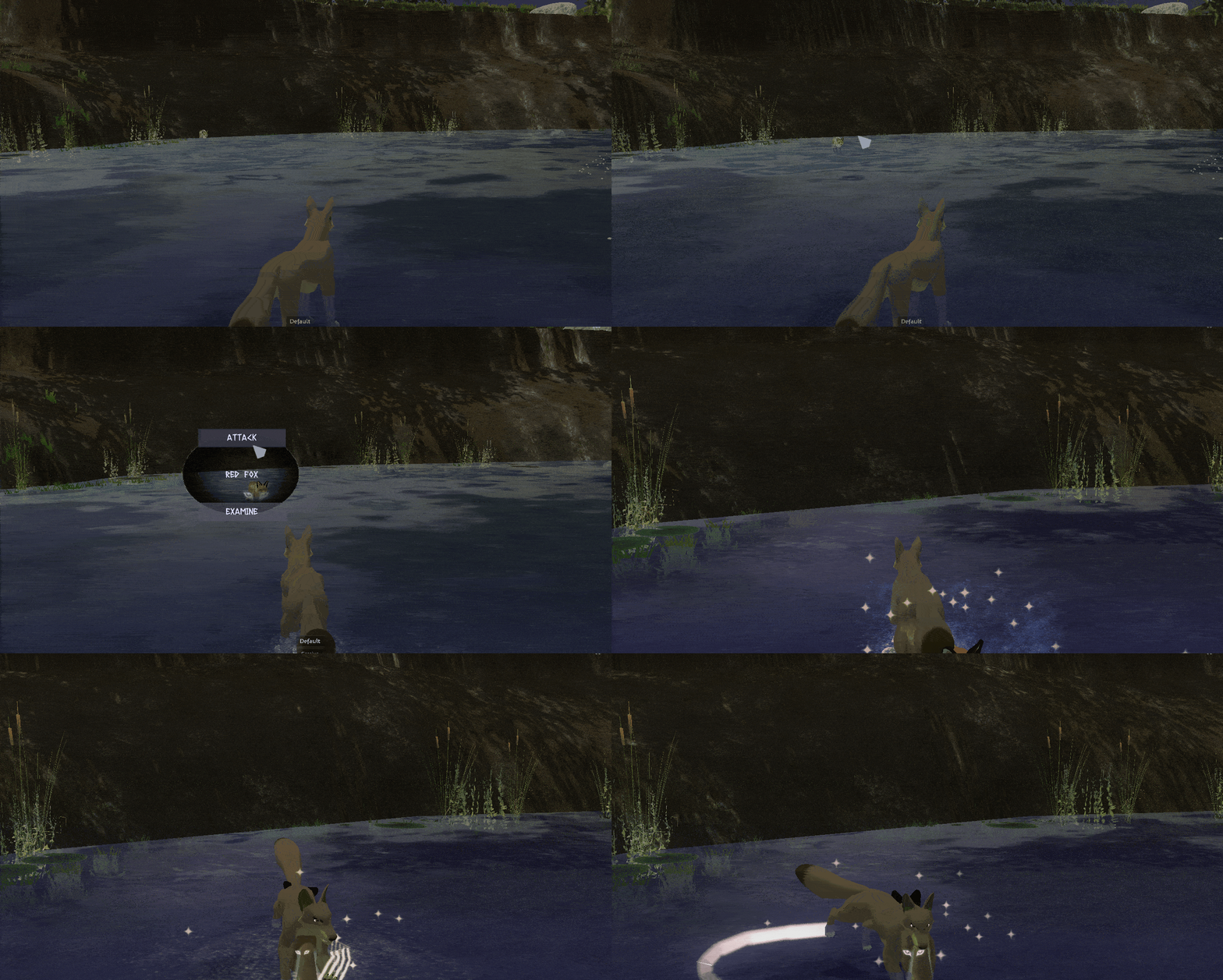
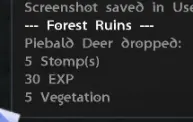
Once a critter is killed, it will give you EXP, a Skill, Taming Food, and sometimes drop an item. Items will drop on the ground; you have to click on them to pick them up. Taming Food is automatically delivered to your backpack.
Character Skills
You can obtain Skills by killing critters, doing quests, or attacking points.
Skills are abilities you can use in fights, you can cure yourself or others, use them to do more damage to enemies, or cause damage from afar.
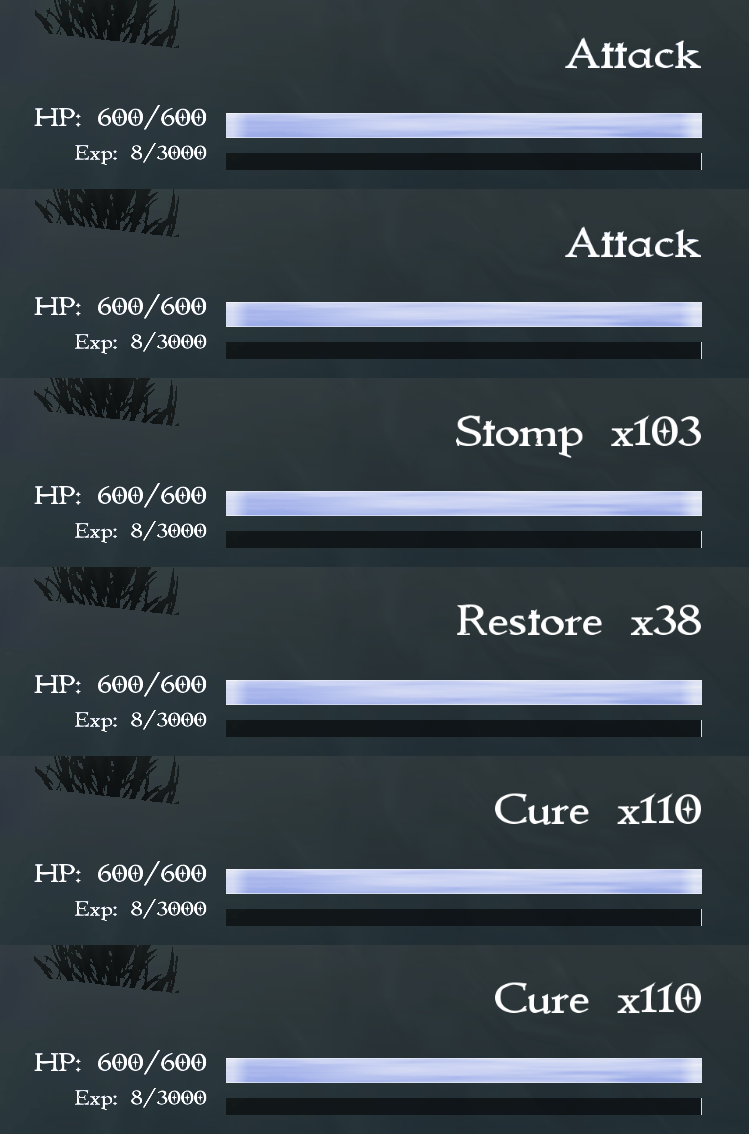
To cycle through your Skills, press 2. To reset them, press 1. To go back in the cycle press 3. To use them, click on the desired target. You can click yourself or a pal to heal them with Cures, you can click a critter to perform damage skills like Lunge or Roar.
In F2 mode, you need to have the target selected to use a skill on them.
Levels and EXP
This game has a level system; the more you level up, the stronger you get.
You need EXP to level up your character, You can obtain it by killing critters or doing quests.
You'll find your EXP progress under your health bar.
Items
As you play the game, you'll find and collect items. You can access your inventory by pressing I. You'll see currently equipped items, your stash, and pets tabs. You can wear up to 12 items at a time.
Your stash is where all the items you aren't currently wearing go, this is shared between all your characters. It also has a search bar to look up specific items in your stash.
You can click on items to equip, stash, or drop them. Dropping an item drops it on the ground; anyone in the same Dim as you can pick it up. You can't drop quest items. If you drop an item and leave the Dim(with nobody else in it), it will be gone forever.


Pets
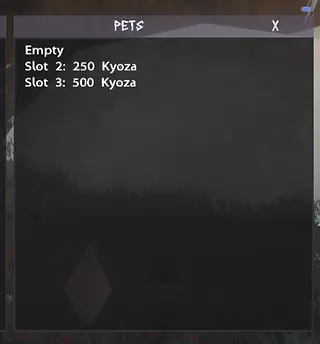
You can tame critters by using taming food. Once you have them tamed, you have the ability to board, equip, or release them. You can have up to 3 pets boarded and 1 active.
You have to buy boarding slots using Kyoza, which is currency obtained by attacking Trove and Hefty Points.
Releasing a pet lets it go, it will be lost forever.
For a deeper look into Taming and Pet Boarding please check out our Taming Guide.


Portals

Portals are how you get to different maps. Some will be locked behind level or quest requirements and can't be entered until those criteria are met. You simply walk into them, and you will be transported.
You can't travel through a portal while in combat, so if a critter walks into one while fighting, don't worry, you won't be transported.
You can see portals on the mini map in the top right corner of your screen. They'll appear as colorless circles, hovering over them with your mouse tells you which map it belongs to.

